
Studio service
UI/UX Design
Interfaces people can use at speed, under pressure, on a bad screen.
- In this discipline6 pieces of real work
- How we work4 stages
- Included4 things as standard

Good interface design shows up as an absence: no hunting, no re-reading, no support ticket. We design for the person doing the task forty times a day.
What is included
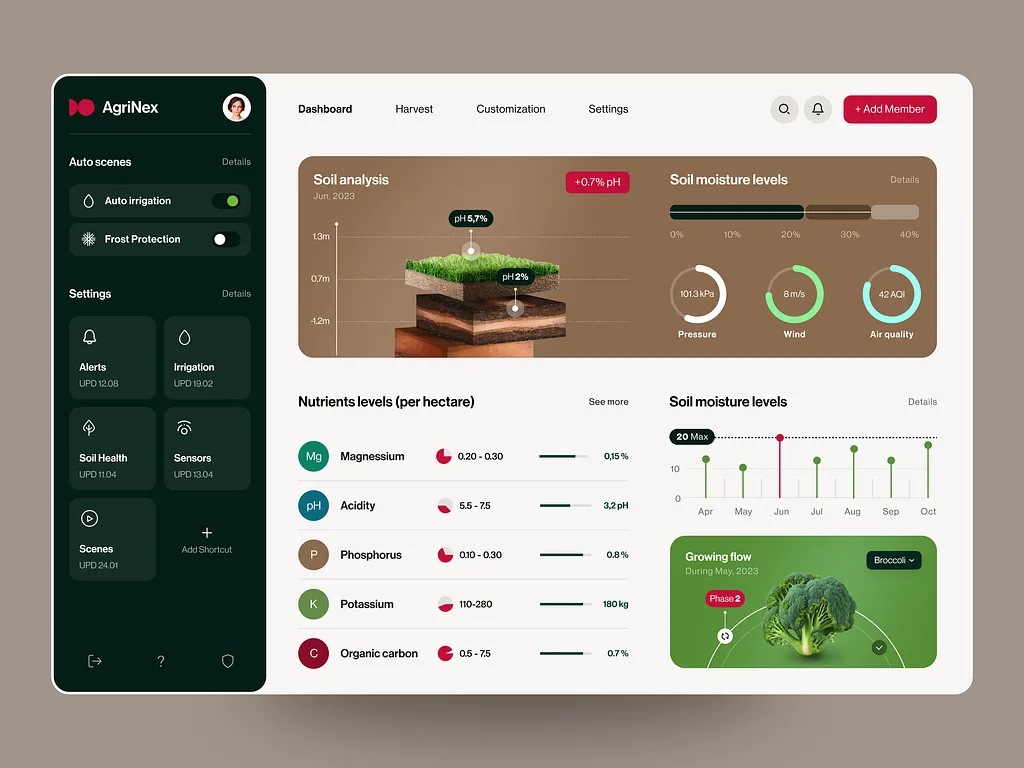
- Product and dashboard design
- Design systems and component libraries
- Usability review of what you already run
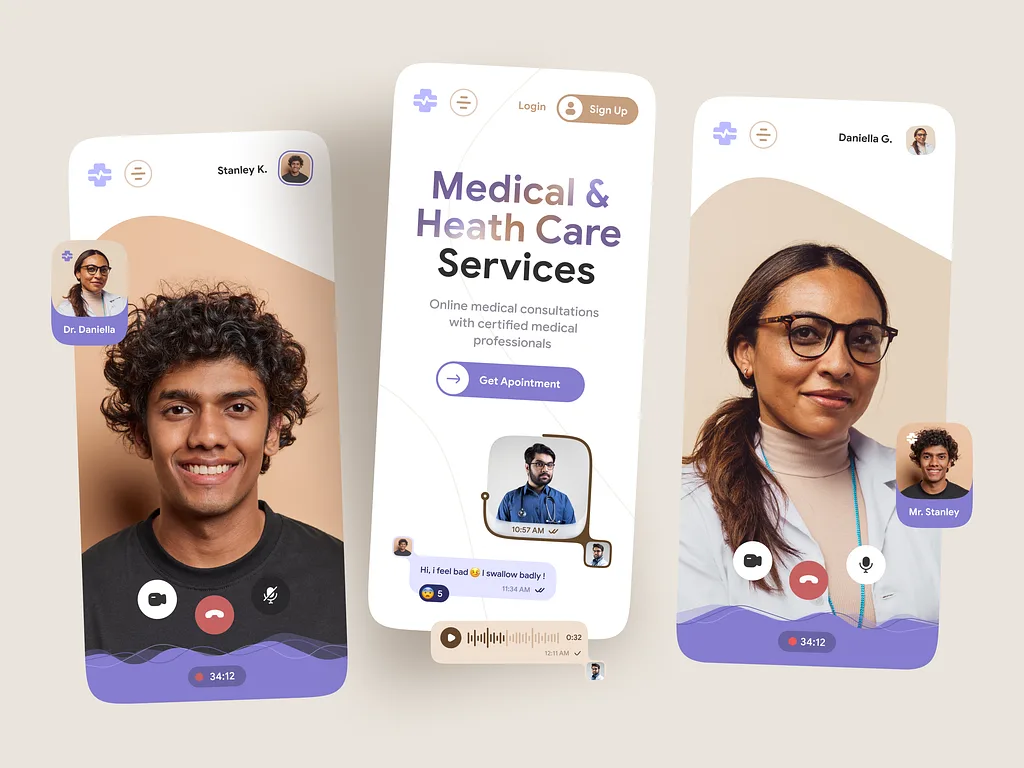
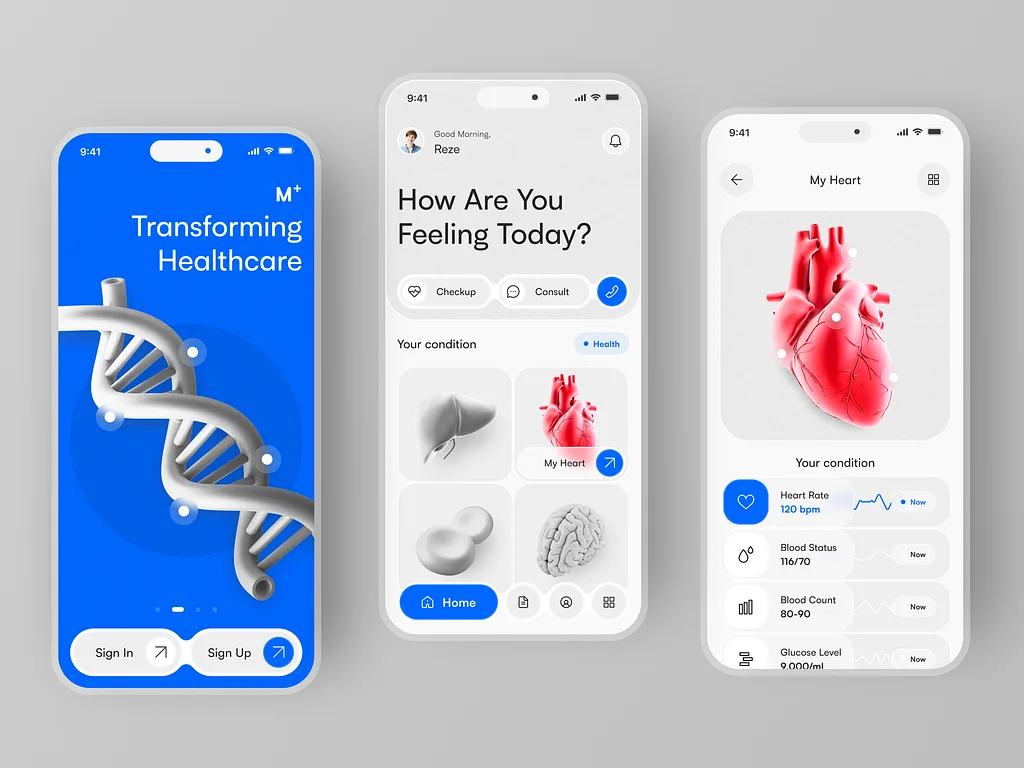
- Prototypes you can put in front of users
How we work
The order things happen in, and why
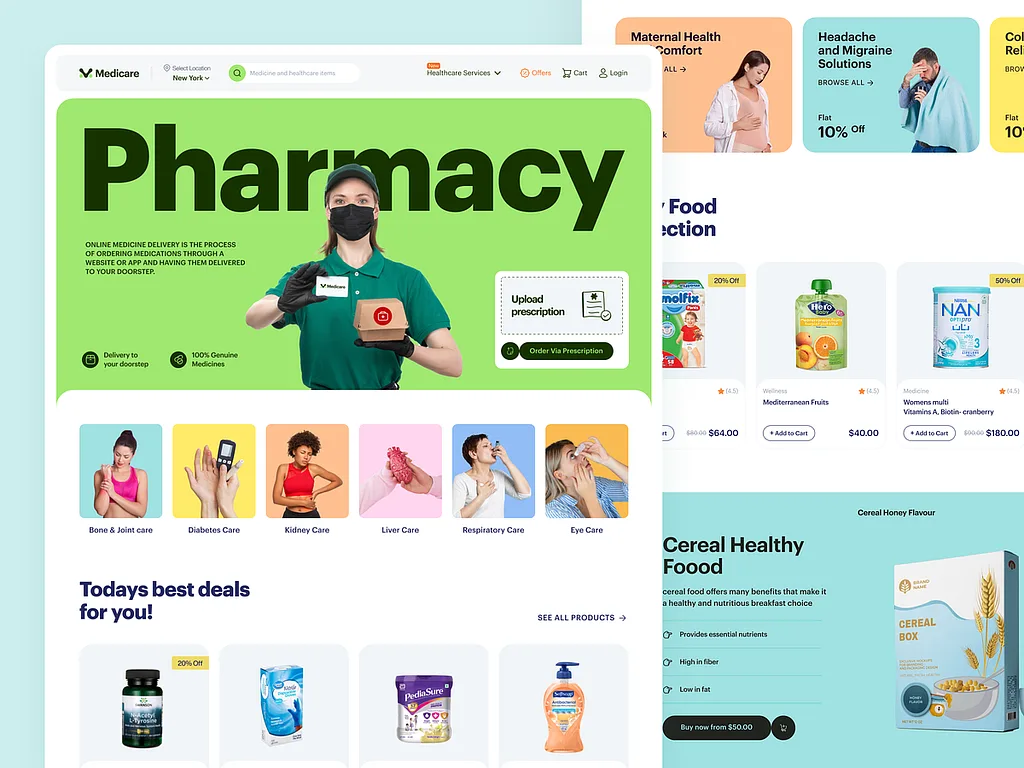
Real pieces from the studio, alongside the stage of the process each one came out of.
-
01
Watch the task being done
Forty times a day, under pressure, on a bad screen. That is the design brief, not the mood board.
-
02
Prototype before anything is built
Clickable enough to argue with, cheap enough to throw away.
-
03
Build the system, not the screen
Components, states and rules, so screen forty still looks like screen one.
-
04
Test it with the people who have to use it
A usability review on the real workflow, not a showreel for the boardroom.
The work
Pieces we have already shipped in this discipline
Client work from the studio — click any of them to open it full size.
Tools
What we actually work in
No mystery pipeline. These are the tools the work is made in, and the source files are handed over at the end of it — not held hostage as a reason to keep paying us.
- Figma
- React
- Tailwind CSS
Other things the studio does
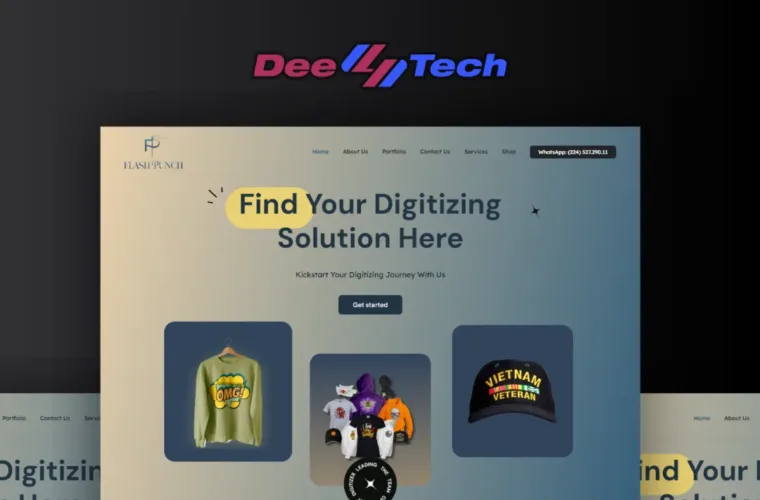
Web Development
Fast, hand-built sites that rank and convert — not a page builder wrapped in plugins.
Read more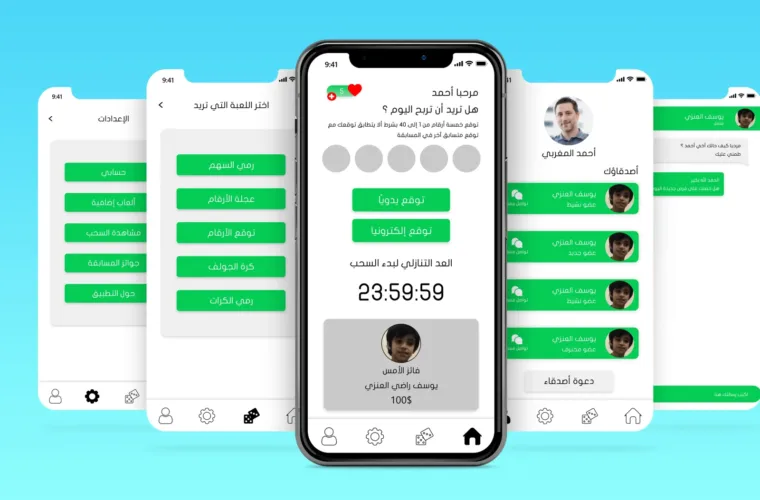
App Development
Mobile and web applications built around a workflow, not a wireframe.
Read more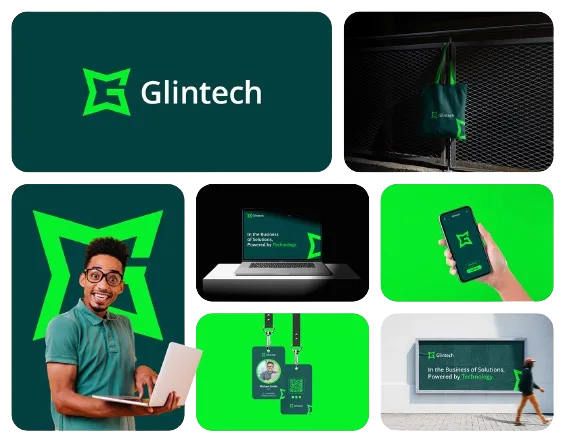
Branding & Logo Design
An identity that still works on a van door, an invoice and a favicon.
Read more